Free virtual background · 1920×1080 HD
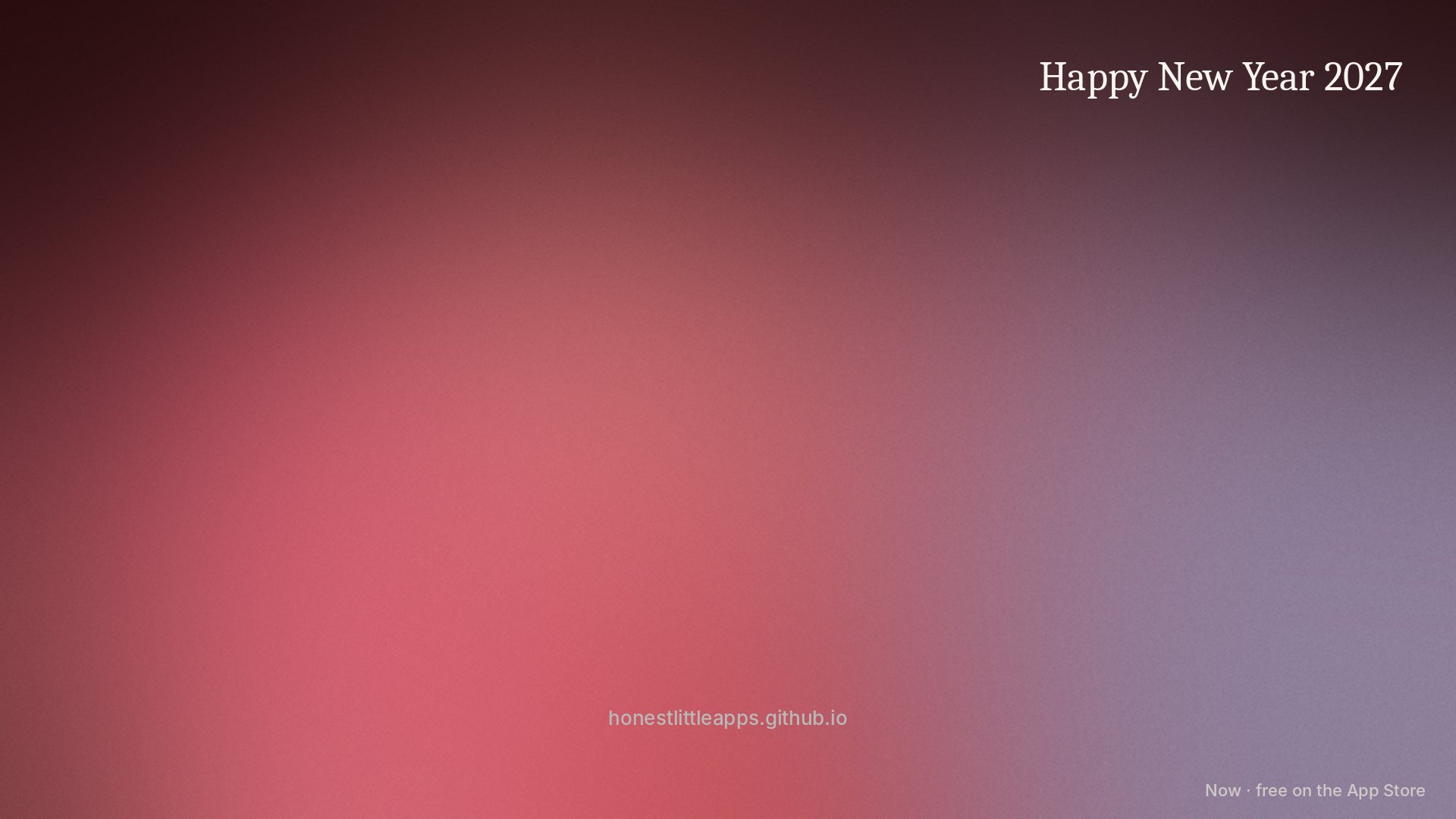
Happy New Year 2027: free Zoom, Teams & Google Meet background
A calm, uncluttered background for New Year calls. The centre stays quiet so you stay the focus. Free, no sign-up.
Set it up
- Zoom: Settings → Background & Effects → Virtual Backgrounds → + → Add Image.
- Microsoft Teams: in a meeting, More → Video effects → Backgrounds → Add new (or Upload on the pre-join screen).
- Google Meet: click Apply visual effects (the sparkle icon) → Backgrounds → + Upload a background image.
- FaceTime & webcams on Mac: use your camera app's background option if it has one; otherwise it works as a desktop wallpaper too.
A small credit line sits in the bottom corner. Free for personal, church, school and business calls. Please don't resell it.
From the makers of

Now: ADHD Task StarterFree on the App Store for iPhone
Get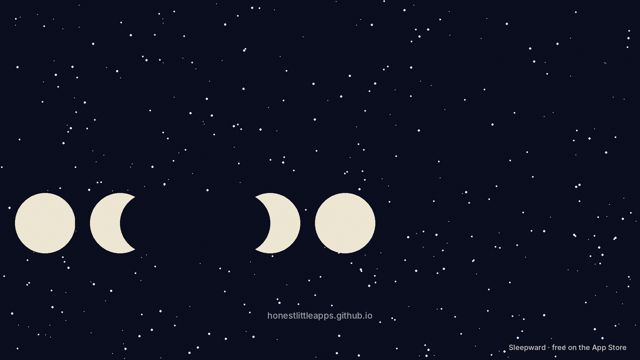 Calm Night Sky
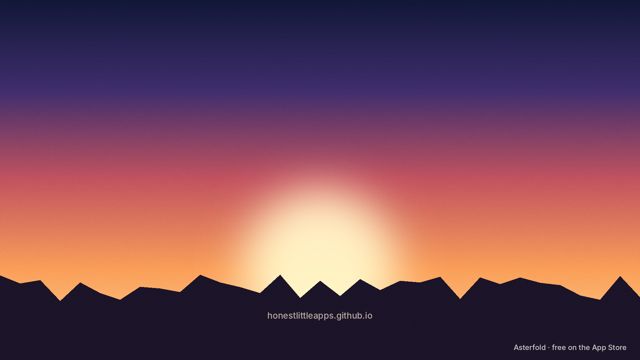 Golden Hour Mountains
 Ocean Calm
 Soft Aurora
 Focus Grid
 Warm Study
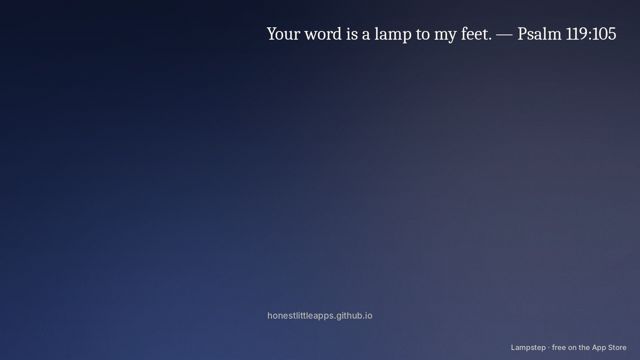 Small Group: Your Word Is a Lamp
 Bible Study Night
 Welcome to Class
 Christmas Night
 Puzzle Break