Free iPhone icon pack · 24 icons + wallpaper
Golden Hour aesthetic iPhone icon pack
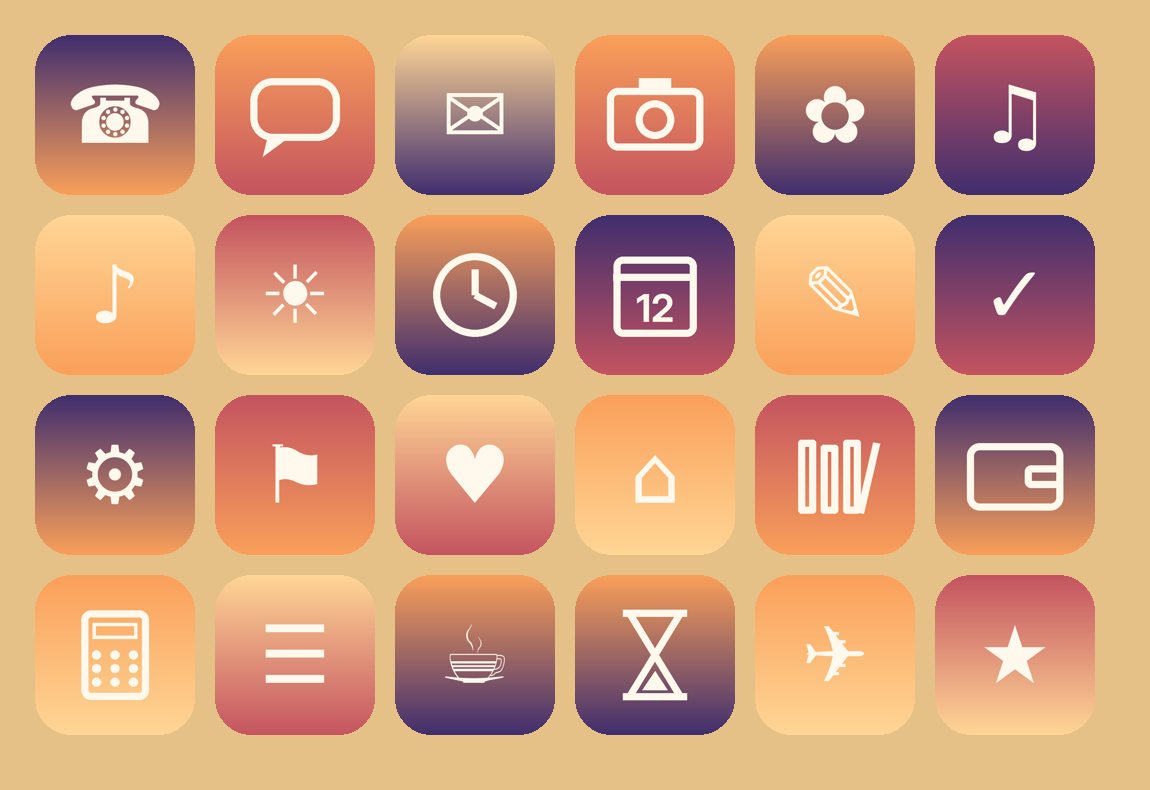
24 matching app icons (512×512 PNG) for phone, messages, camera, music, weather, calendar and more, plus a matching lock-screen wallpaper. Free, no sign-up.

How to use it (5 steps)
- Save the icons. Download the pack, open the .zip in the Files app (tap it to unzip), select the icons and tap Share → Save Images, or keep them in Files.
- Make a shortcut. Open the Shortcuts app, tap +, tap Add Action, search for Open App, and choose the app you want to re-skin.
- Add it to your Home Screen. Tap the share button (or the name at the top) and choose Add to Home Screen.
- Pick the icon. Tap the small icon under Home Screen Name and Icon, choose Choose Photo or Choose File, and pick the matching icon. Name it, then tap Add.
- Tidy up. Move the original app to the App Library (press and hold → Remove App → Remove from Home Screen) so only your new icon shows.
The app that inspired this pack

Asterfold: Sunset PlannerFree on the App Store for iPhone
Get
More packs: Moonlit · Calm Water · Focus Mono
Original icons drawn by Honest Little Apps. Free for personal use. Please don't resell them.